


Description
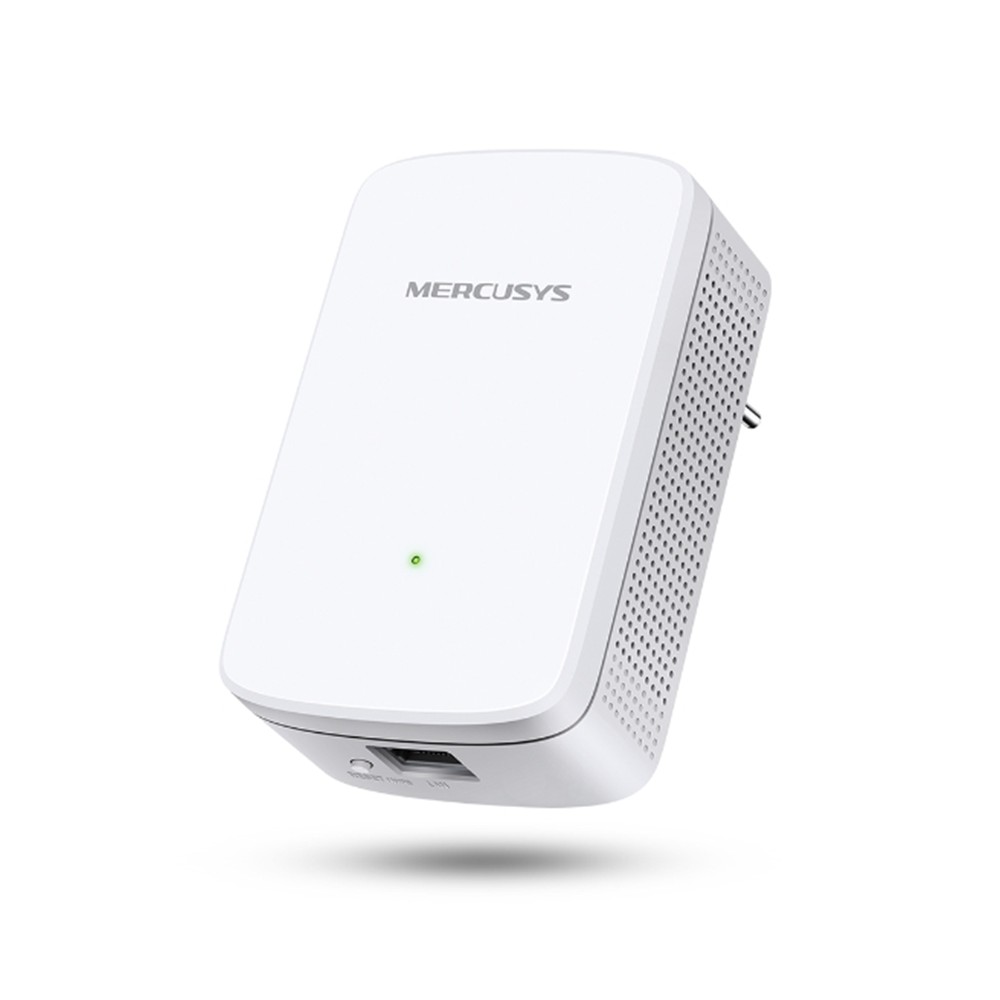
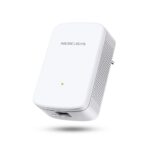
The MERCUSYS ME10 is a compact wall-plug Wi-Fi range extender designed to improve wireless coverage in areas where your existing router’s signal is weak or difficult to reach.
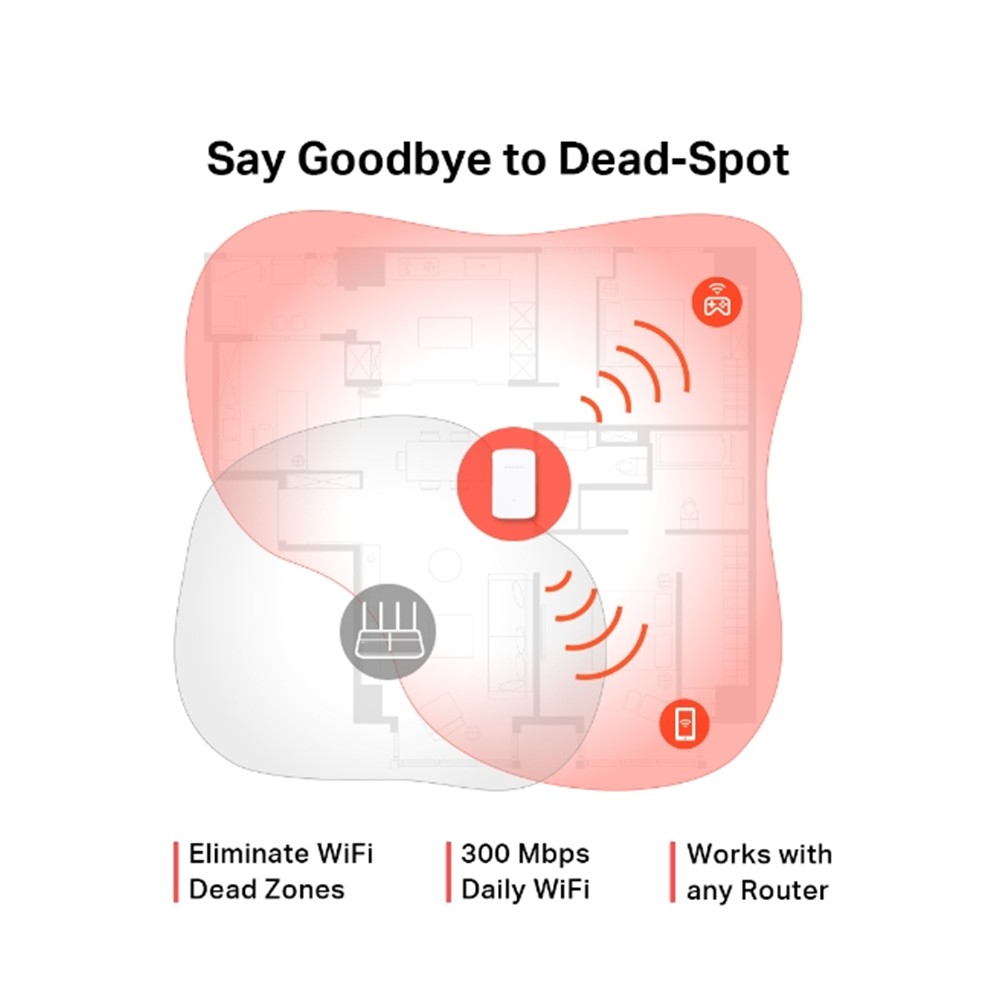
Operating on the 2.4 GHz Wi-Fi band, the ME10 delivers theoretical wireless speeds of up to 300 Mbps, making it suitable for everyday internet activities such as web browsing, social media, HD video streaming, downloading files, and casual online gaming.
Installation is simple using the built-in WPS button. Press the WPS button on your existing router and then the WPS button on the ME10 to expand your wireless network without complicated manual configuration.
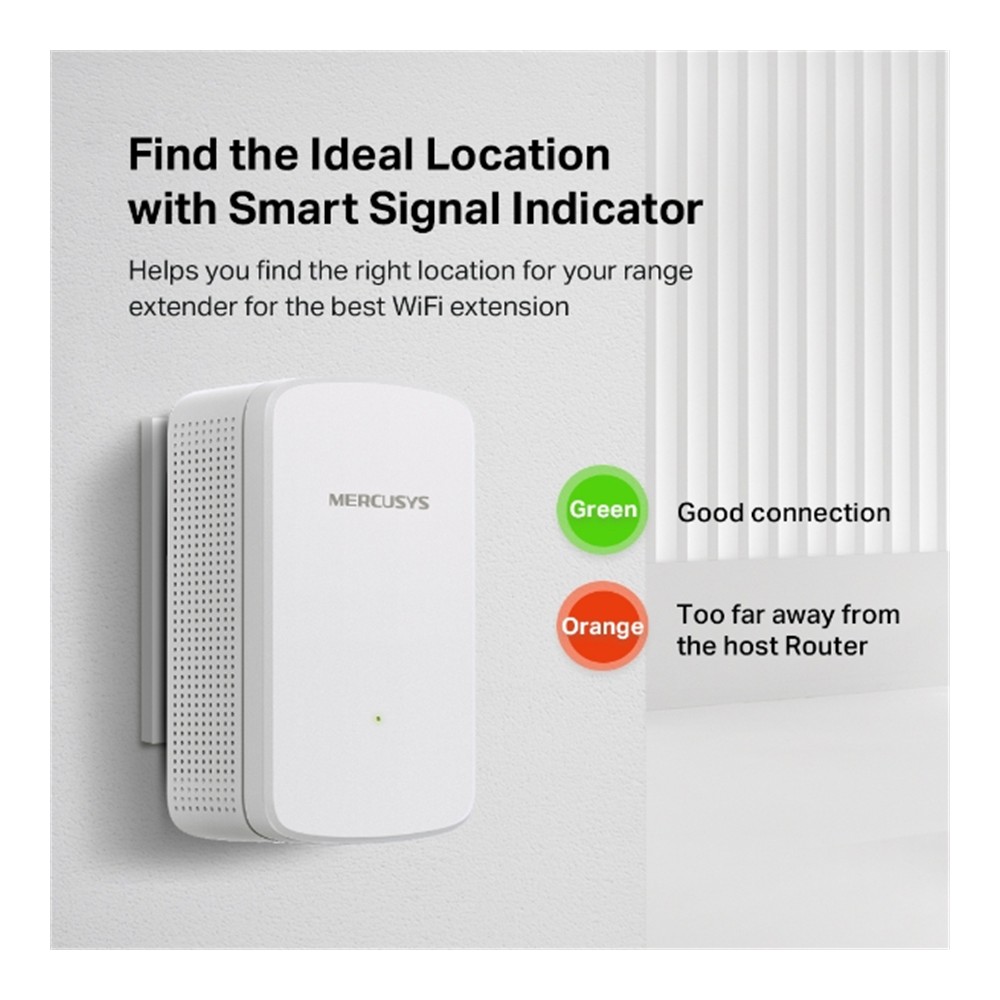
A multicolor Smart Signal Indicator helps you position the extender correctly. A green indicator represents a good connection to the host router, while orange indicates that the extender is positioned too far away.
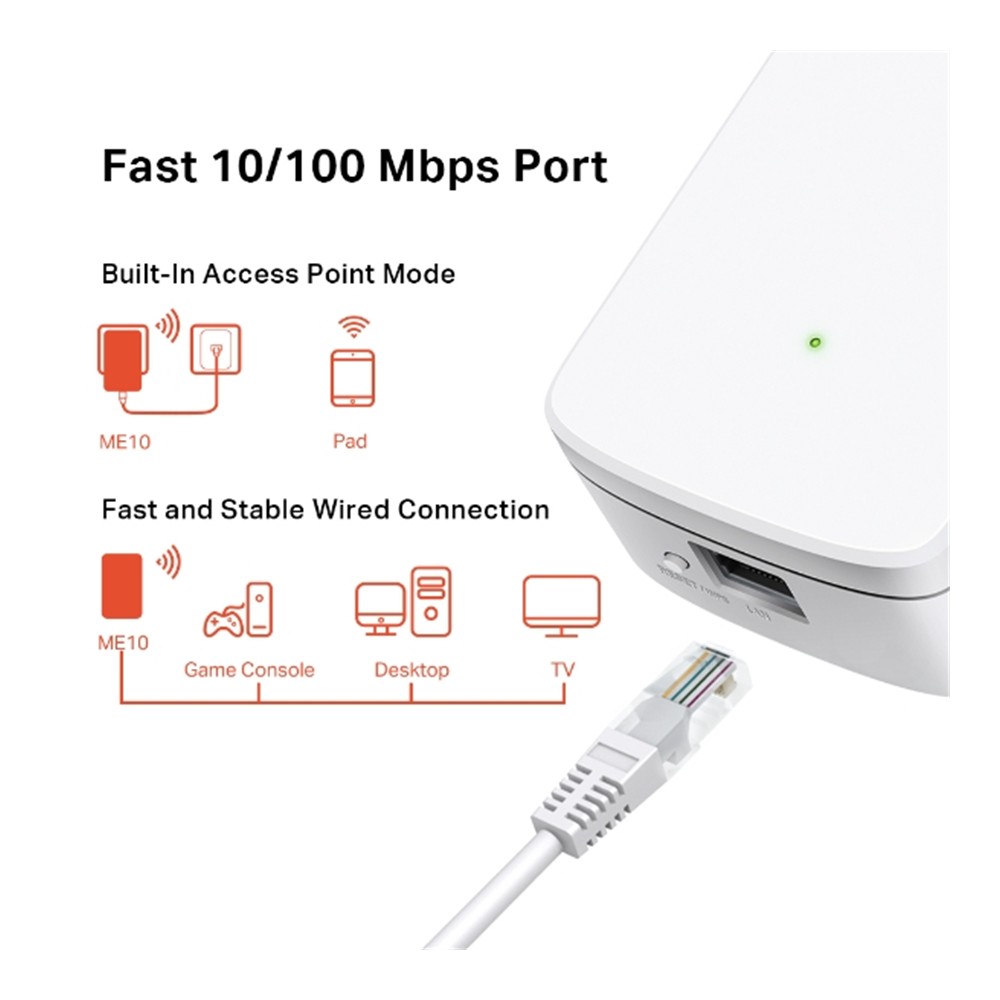
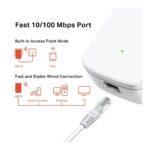
The integrated 10/100 Mbps RJ45 Ethernet port allows wired devices such as desktop computers, TVs, IPTV equipment, and game consoles to connect to the network. The same port enables Access Point Mode, allowing the ME10 to transform an existing wired network connection into a wireless network.
The ME10 can also be configured and managed through the MERCUSYS App on compatible iOS and Android devices when supported firmware is installed.
Advanced management features include Access Control, LED Control, Night Mode, Power Schedule, adjustable Wi-Fi coverage, and network configuration tools through the extender’s management interface.
Key Features
- N300 Wi-Fi Range Extender
- Up to 300 Mbps at 2.4 GHz
- IEEE 802.11b/g/n
- Wall-Plug Design
- Internal Antenna Design
- Eliminates Wi-Fi Dead Zones
- 1 × 10/100 Mbps RJ45 Ethernet Port
- Range Extender Mode
- Access Point Mode
- One-Touch WPS Setup
- WPS / Reset Button
- Smart Signal Indicator
- Multicolor Status LED
- MERCUSYS App Support
- Access Control
- LED Control
- Night Mode
- Power Schedule
- Adjustable Wi-Fi Coverage
- WPA / WPA2 Wireless Security
- Works with Any Router or Wireless Access Point
Technical Specifications
| Specification | Details |
|---|---|
| Brand | MERCUSYS |
| Model | ME10 |
| Product Type | Wi-Fi Range Extender |
| Wi-Fi Class | N300 |
| Maximum Wi-Fi Speed | Up to 300 Mbps |
| Frequency Band | 2.4 GHz |
| Frequency Range | 2.4–2.5 GHz |
| Wireless Standards | IEEE 802.11b/g/n |
| Antenna Type | Internal Antenna |
| Ethernet Interface | 1 × 10/100 Mbps RJ45 |
| Operating Modes | Range Extender / Access Point |
| Button | RESET / WPS |
| Signal Indicator | Multicolor LED |
| Wireless Security | WPA-PSK / WPA2-PSK |
| Transmission Power | ≤20 dBm |
| Power Consumption | ≤3.2 W |
| Management | Web Interface / MERCUSYS App* |
| Access Control | Supported |
| LED Control | Supported |
| Power Schedule | Supported |
| Wi-Fi Coverage Adjustment | Supported |
| Dimensions | 101 × 60 × 36 mm |
| Operating Temperature | 0°C to 40°C |
| Operating Humidity | 10%–90%, Non-Condensing |
| Certifications | CE / RoHS |
The official MERCUSYS specification lists the 300 Mbps 2.4 GHz connection, Fast Ethernet port, dimensions, security, button, power consumption, and environmental specifications above.
Main Benefits
Extend Wi-Fi into Dead Zones
The ME10 receives the existing Wi-Fi signal from your router and rebroadcasts it into areas that previously had weak or unreliable wireless coverage.
Up to 300 Mbps Wi-Fi
Enjoy theoretical speeds of up to 300 Mbps at 2.4 GHz, suitable for everyday internet access, video streaming, downloading, and connected smart devices.
Smart Signal Indicator
The multicolor LED makes installation easier by helping identify an effective location between the router and the Wi-Fi dead zone.
One-Touch WPS Setup
Expand your network quickly by pressing the WPS buttons on your router and ME10.
Built-In Access Point Mode
Connect an Ethernet cable to the ME10 and turn an existing wired network into a wireless access point.
Fast Ethernet Port
Connect a desktop PC, TV, IPTV device, or game console through the 10/100 Mbps Ethernet port for a stable wired connection.
Works with Any Router
The ME10 is designed to work with standard wireless routers and access points, making it easy to add to an existing Wi-Fi network.
Smart Scheduling & Control
The management interface supports Power Schedule, LED Control/Night Mode, and Access Control, giving users greater control over how and when the extender operates.
Recommended Uses
- Extending Home Wi-Fi Coverage
- Bedrooms with Weak Wi-Fi
- Upper Floors
- Home Offices
- Living Rooms
- Apartments
- Small Offices
- Smart TVs
- IPTV Devices
- Game Consoles
- Desktop Computers
- Wi-Fi Dead Zones
- Converting Wired Internet into Wi-Fi
Package Contents
- 1 × MERCUSYS ME10 Wi-Fi Range Extender
- 1 × Quick Installation Guide
Compatibility Note
The ME10 operates on the 2.4 GHz Wi-Fi band only. It does not extend a 5 GHz wireless network.
The maximum advertised 300 Mbps is the theoretical physical wireless rate. Actual wireless speed and coverage depend on router performance, network interference, walls and obstacles, extender placement, connected-device capabilities, and other environmental conditions.
The Ethernet interface is limited to 10/100 Mbps Fast Ethernet, so wired network throughput cannot exceed the practical limitations of that interface.
MERCUSYS App support may depend on the hardware version and installed firmware. MERCUSYS’s firmware history shows App support being added to ME10 V1 through a firmware update, so using the latest compatible firmware is recommended.



Reviews
There are no reviews yet.